
Book a Party!
How to Purchase:
- Log in to your account.
- Navigate to Reservations → Make a Reservation.
- Select Parties, then choose your date and time.
- Select the host member and opt in to emails. (Required to receive your reservation confirmation.)
- Click Book It
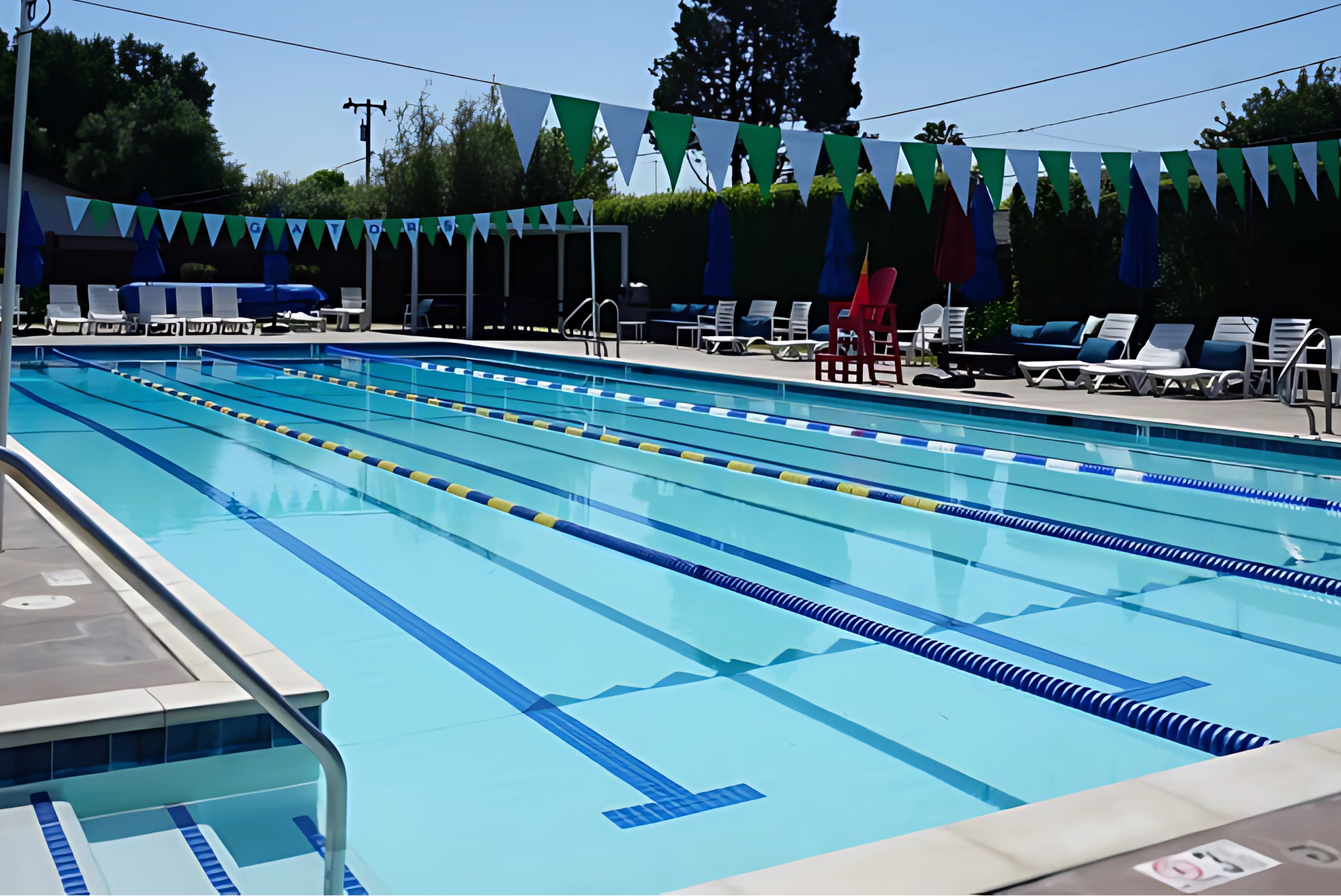
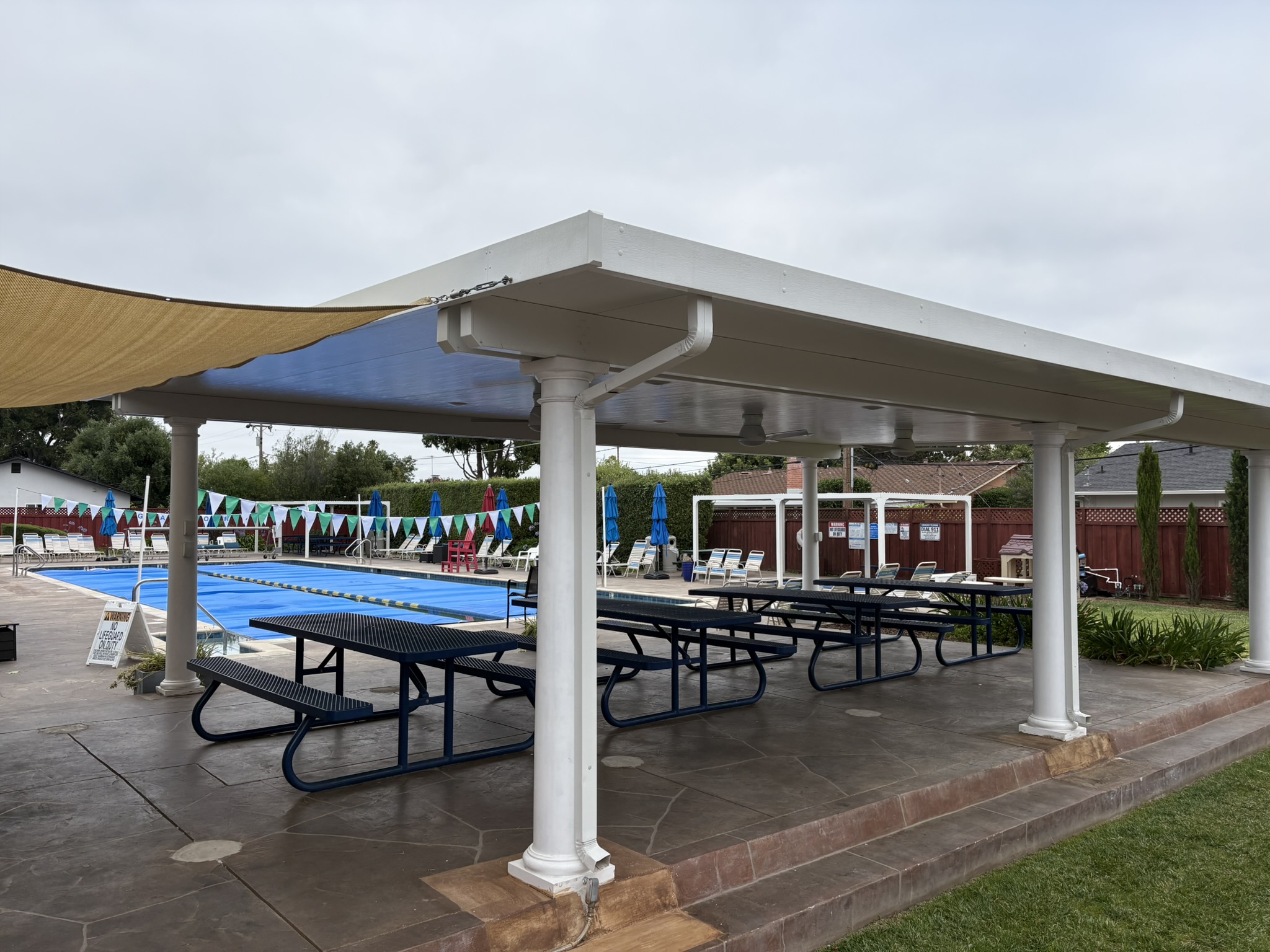
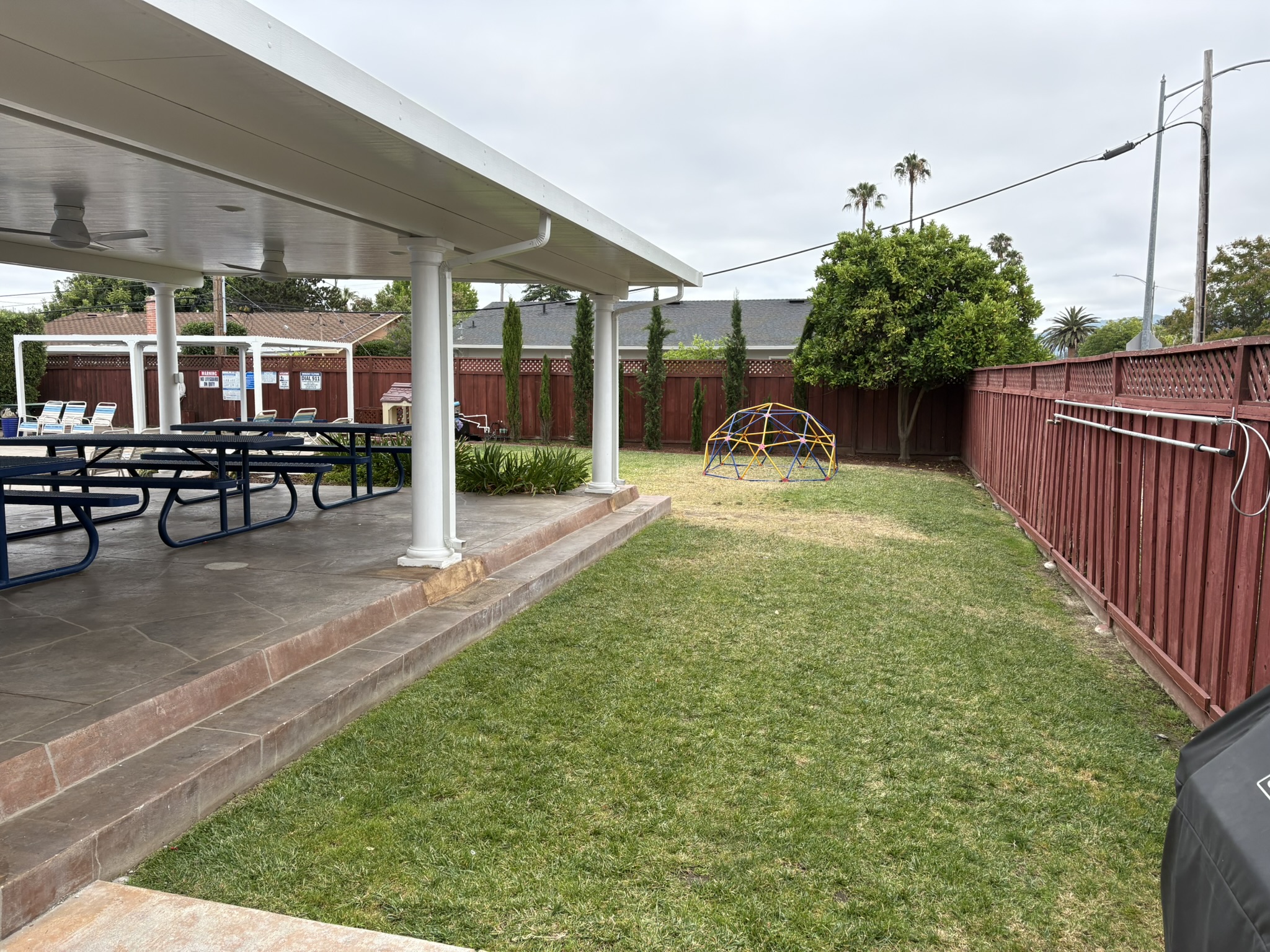
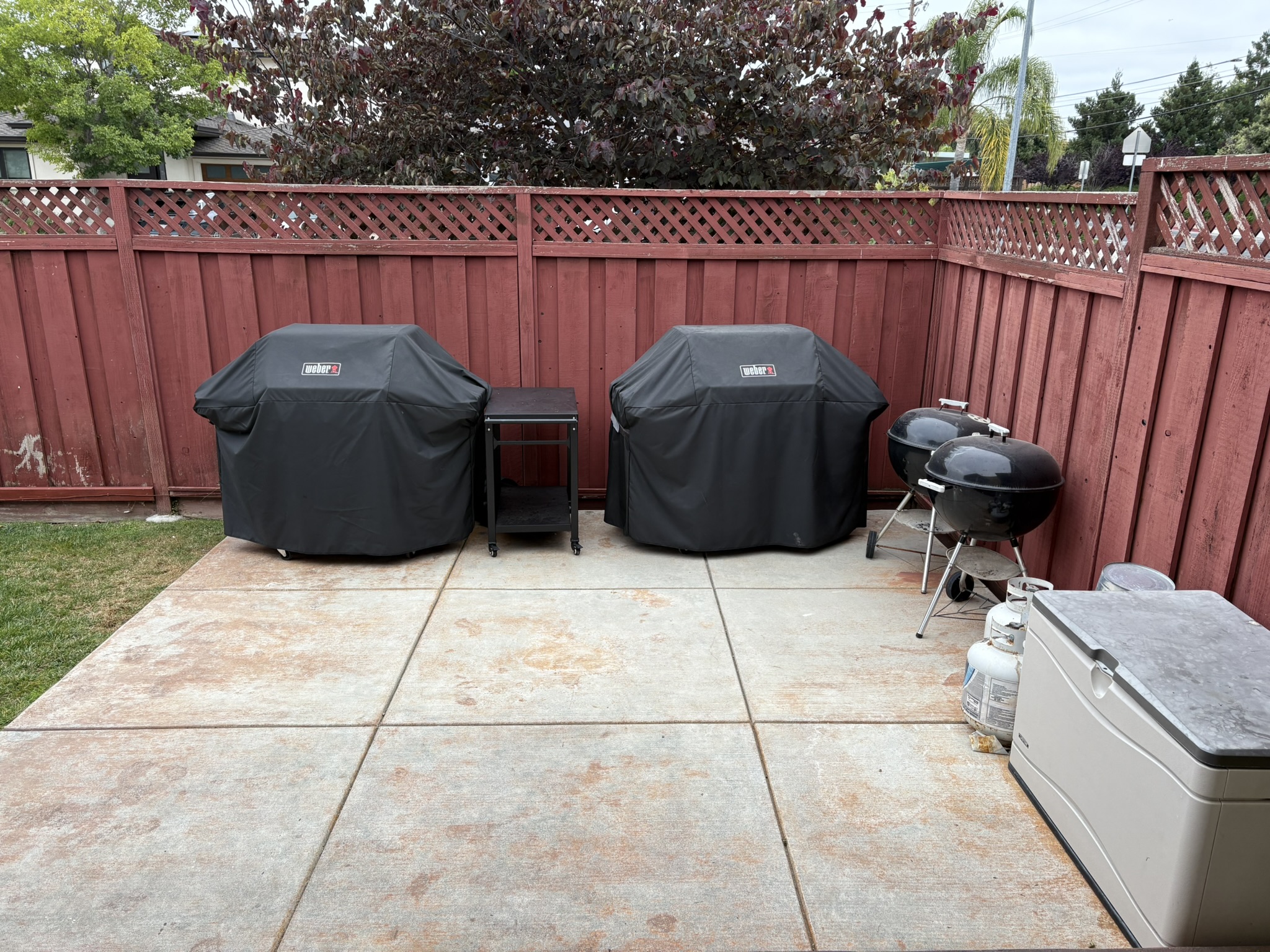

How to Pay:
- Navigate to Payments → Make a Payment.
- Select the Party product.
Please note: reservations may display as “Free” in the reservation system. This can be disregarded.
You will need to create an account if you do not have one.